
SANSUI 32 Inch Curved 240Hz Gaming Monitor High Refresh Rate, FHD 1080P – An In-Depth Review
Introduction
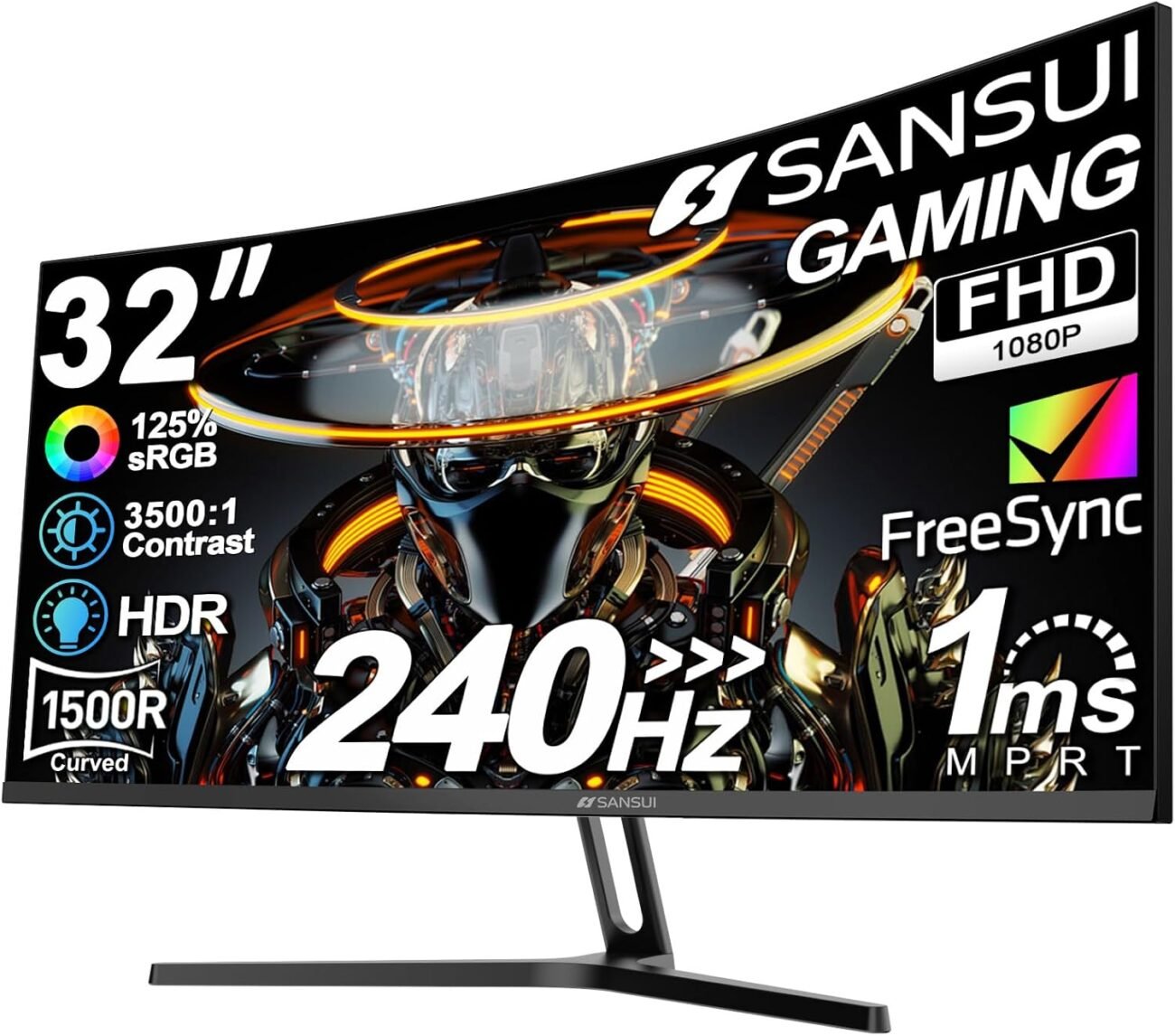
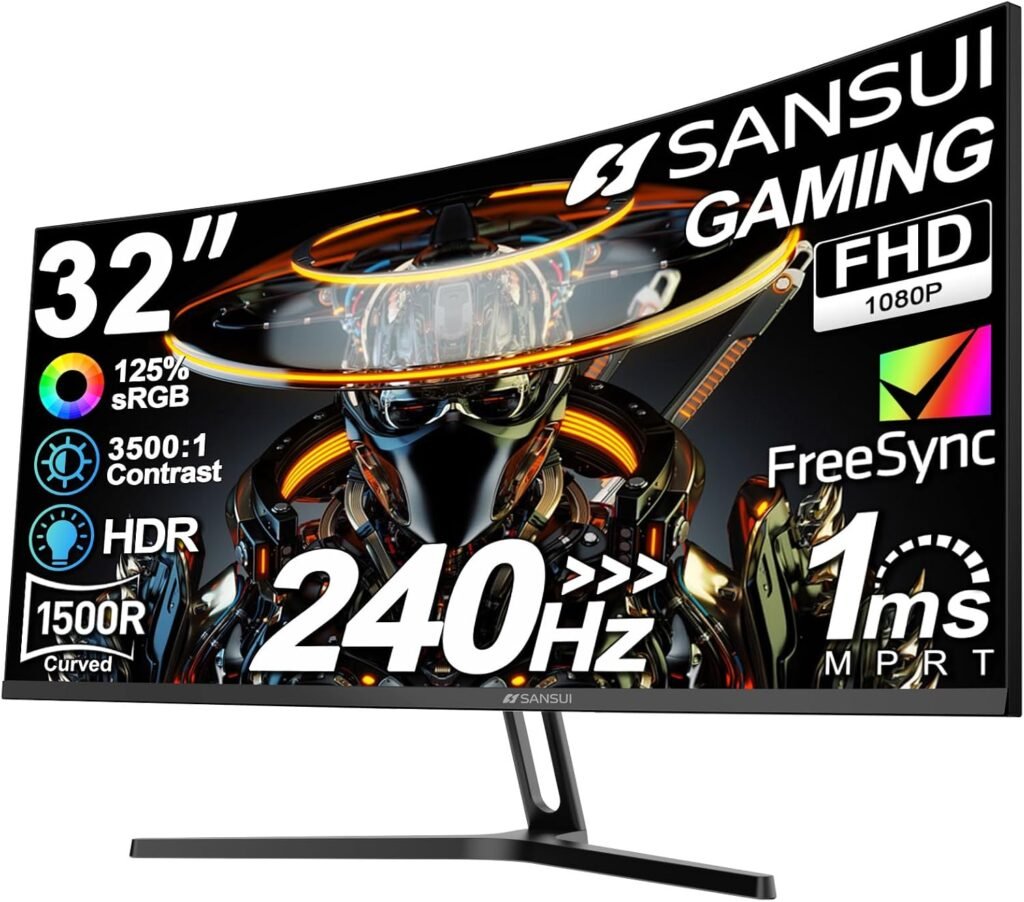
The SANSUI 32 Inch Curved 240Hz Gaming Monitor High Refresh Rate, FHD 1080P has recently appeared in several online listings, drawing attention from gamers and display enthusiasts alike. The product name itself conveys several key attributes: a 32‑inch screen size, a curved design, a 240‑Hz refresh rate, and a Full HD 1080‑pixel resolution. However, beyond the title, publicly available information is sparse. No detailed specifications, performance metrics, or user testimonials have been extracted from the source material. This review is therefore built on the explicit details present in the title and on general industry knowledge about monitors that share similar characteristics. Where data is missing, the review will explicitly note the lack of confirmation and will advise potential buyers to seek additional information before making a purchase decision.
Key Attributes Suggested by the Title
Based on the product name, the following attributes are implied:
- Screen Size: 32 inches – a relatively large display that can offer immersive gaming experiences.
- Display Shape: Curved – a design that can enhance depth perception and reduce eye strain in some users.
- Refresh Rate: 240Hz – a very high refresh rate that can provide smoother motion in fast‑paced games.
- Resolution: Full HD (FHD) 1080p – a 1920 × 1080 pixel resolution, common for many gaming monitors.
It is important to note that these attributes are inferred solely from the product title. No additional details such as panel type, response time, color accuracy, connectivity options, or ergonomic features have been confirmed.
Potential Practical Benefits
While the absence of concrete specifications limits the depth of analysis, the implied features can still suggest certain practical benefits. These are presented cautiously, acknowledging that the actual product may differ.
Immersive Visual Experience
A 32‑inch curved screen can create a more enveloping visual field compared to a flat panel of the same size. The curvature may help align the display with the natural curvature of the human eye, potentially reducing peripheral distortion. For gamers who enjoy large, immersive environments, this could translate into a more engaging experience.
Enhanced Motion Clarity
A 240‑Hz refresh rate is among the highest available in consumer monitors. In theory, such a high refresh rate can reduce motion blur and provide smoother transitions between frames, especially in fast‑moving scenes. This could be advantageous for competitive shooters, racing simulators, and other titles where rapid visual updates are critical.
Balanced Resolution for Performance
Full HD 1080p resolution is a common choice for gaming monitors that prioritize high frame rates. At 1920 × 1080 pixels, the monitor can potentially deliver higher frame rates on a wide range of graphics cards compared to higher‑resolution displays. This balance between resolution and refresh rate can be appealing to gamers who wish to maximize performance without sacrificing visual fidelity.
Potential Cost Efficiency
Monitors that combine a large screen size, high refresh rate, and Full HD resolution are often positioned as cost‑effective options for gamers who want a large display without the premium price tag of 4K or higher‑resolution panels. If the product follows this trend, it could offer good value for budget‑conscious buyers.
Limitations and Unknowns
Given the limited information available, several critical aspects remain uncertain. Potential buyers should be aware of these gaps and seek clarification from reputable sources before proceeding.
Panel Technology
The type of panel (TN, IPS, VA, OLED, etc.) is not disclosed. Panel technology influences color reproduction, viewing angles, contrast ratios, and response times. Without this information, it is impossible to predict how the monitor will perform in color‑critical tasks or how it will handle fast motion.
Response Time and Input Lag
High refresh rates are most beneficial when paired with low response times and minimal input lag. The title does not mention these metrics. Gamers who rely on precise timing, such as competitive esports players, often consider these factors essential.
Connectivity Options
Details about available ports (HDMI, DisplayPort, USB, etc.) and supported bandwidth are absent. This information is crucial for ensuring compatibility with modern gaming consoles, PCs, and graphics cards.
Ergonomics and Adjustability
Information about stand adjustability (height, tilt, swivel, pivot) and VESA mounting compatibility is missing. These features affect user comfort and the ability to set up the monitor in a variety of environments.
Color Accuracy and Calibration
There is no data on color gamut coverage, calibration options, or factory color settings. For users who require accurate color representation (e.g., content creators, graphic designers), this is a significant omission.
Warranty and Support
Warranty length, coverage details, and customer support channels are not provided. These factors influence long‑term ownership satisfaction and risk mitigation.
Software and Driver Support
Information about bundled software, firmware updates, or driver compatibility is not available. Software can affect features such as adaptive sync, color profiles, and performance tuning.
Suitable Use Cases – Framed Conditionally
Based on the implied attributes, the monitor could be suitable for several scenarios. However, each scenario is framed with caution due to the lack of confirmed specifications.
Competitive Gaming
If the monitor indeed offers a 240‑Hz refresh rate and low response time, it could be advantageous for competitive shooters, fighting games, and other titles where rapid visual updates are critical. Users should verify the actual response time and input lag before relying on the monitor for high‑level competition.
General Gaming
For casual or mid‑tier gamers, the combination of a large screen and high refresh rate could provide a satisfying experience. The Full HD resolution may allow for higher frame rates on a variety of hardware configurations.
Entertainment and Media Consumption
A curved 32‑inch display can enhance movie watching and streaming experiences by offering a more immersive field of view. However, the lack of information about color accuracy and contrast ratios means that the visual quality for cinematic content cannot be guaranteed.
Work and Productivity
While the monitor’s size and resolution could be useful for multitasking or office work, the absence of details on ergonomics and color accuracy suggests that it may not be the best choice for professional graphic design or photo editing tasks.
Buying Considerations
Potential buyers should adopt a cautious approach when evaluating this monitor. The following checklist can help guide the decision‑making process.
- Confirm Core Specifications: Verify that the monitor truly offers a 240‑Hz refresh rate, 32‑inch curved display, and 1080p resolution. Look for official datasheets or manufacturer specifications.
- Assess Panel Type: Determine whether the panel is TN, IPS, VA, or another type. This will influence color performance and viewing angles.
- Check Response Time and Input Lag: Look for advertised response times (e.g., 1 ms GTG) and input lag figures. These metrics are critical for competitive gaming.
- Review Connectivity: Ensure the monitor has the necessary ports (HDMI 2.0, DisplayPort 1.4, etc.) to match your GPU and console outputs.
- Evaluate Ergonomic Features: Confirm that the stand offers height, tilt, swivel, and pivot adjustments, or that the monitor is VESA‑compatible for external stands.
- Examine Color Accuracy: If color fidelity is important, request color gamut coverage data and calibration options.
- Warranty and Support: Verify the length of the warranty, what it covers, and the availability of customer support.
- Read Independent Reviews: Seek out third‑party reviews or benchmarks that test the monitor’s performance in real‑world scenarios.
- Compare Pricing: Evaluate the price point relative to similar monitors that have confirmed specifications.
- Check Availability of Firmware Updates: Determine whether the manufacturer provides firmware or driver updates to address potential issues.
Conclusion
The SANSUI 32 Inch Curved 240Hz Gaming Monitor High Refresh Rate, FHD 1080P presents an intriguing combination of attributes that could appeal to gamers and general users seeking a large, high‑refresh‑rate display. However, the absence of detailed specifications, performance data, and user feedback limits the ability to make a definitive assessment. Potential buyers should treat the product title as an initial hint rather than a comprehensive description, and they should pursue additional information from reputable sources before making a purchase. By carefully verifying core specifications, performance metrics, and support details, consumers can ensure that the monitor meets their specific needs and expectations.

